Table
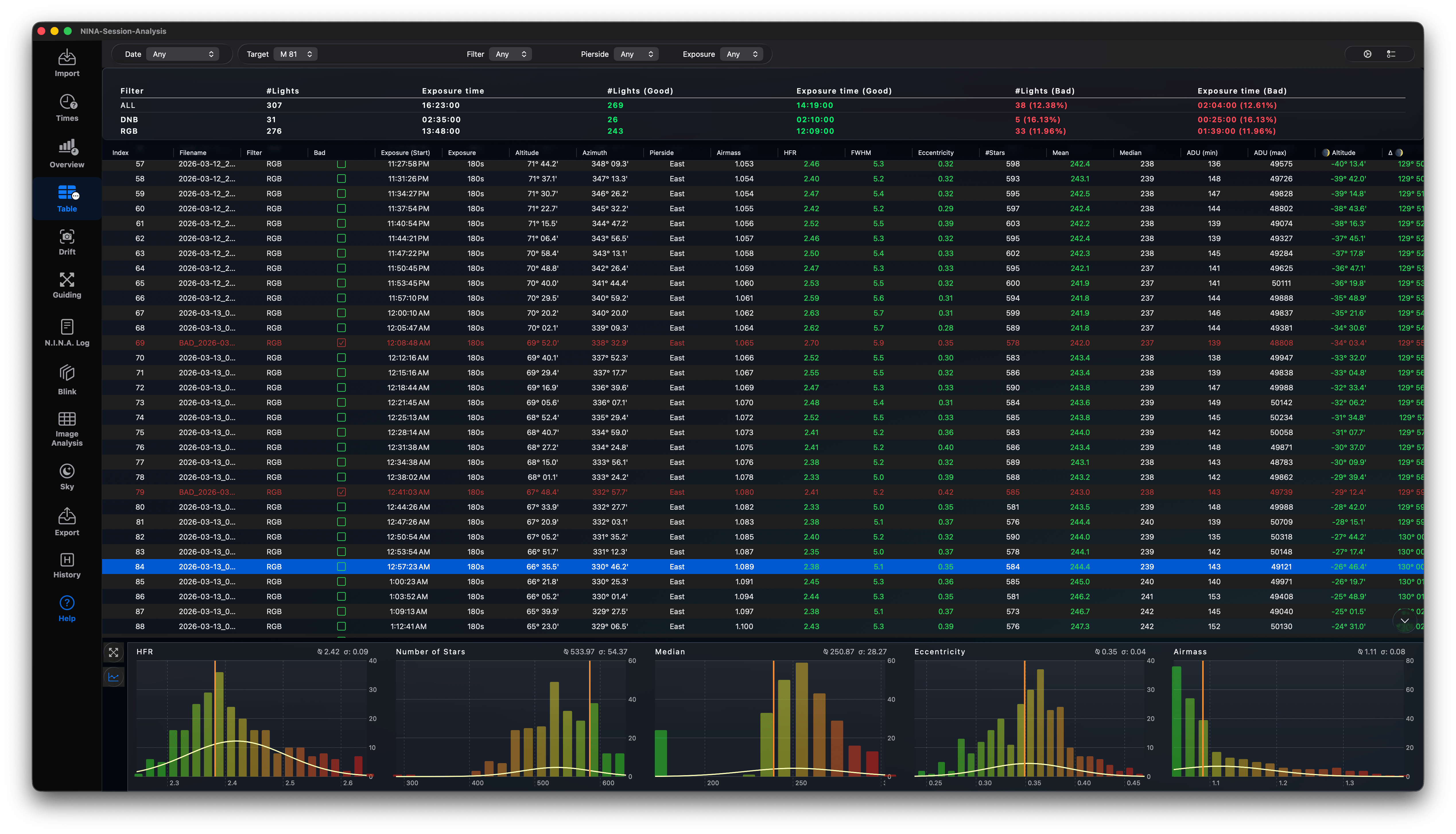
The Table view lists all imported light frames in a sorting spreadsheet.
Exposure Grid Features
- Displays key metrics for each frame: Index, Filename, Filter, Exposure, HFR, Stars, Eccentricity, Temperature, and Mount Position.
- Add or remove columns using the button in the top-right
- Sort columns by clicking headers.
- Custom checklist column to mark frames as BAD (changes filename formatting to match N.I.N.A.'s bad-frame suffix).
- Select one light to she the guide chart or other chart data (or the AllSky keogram with marker, if available)
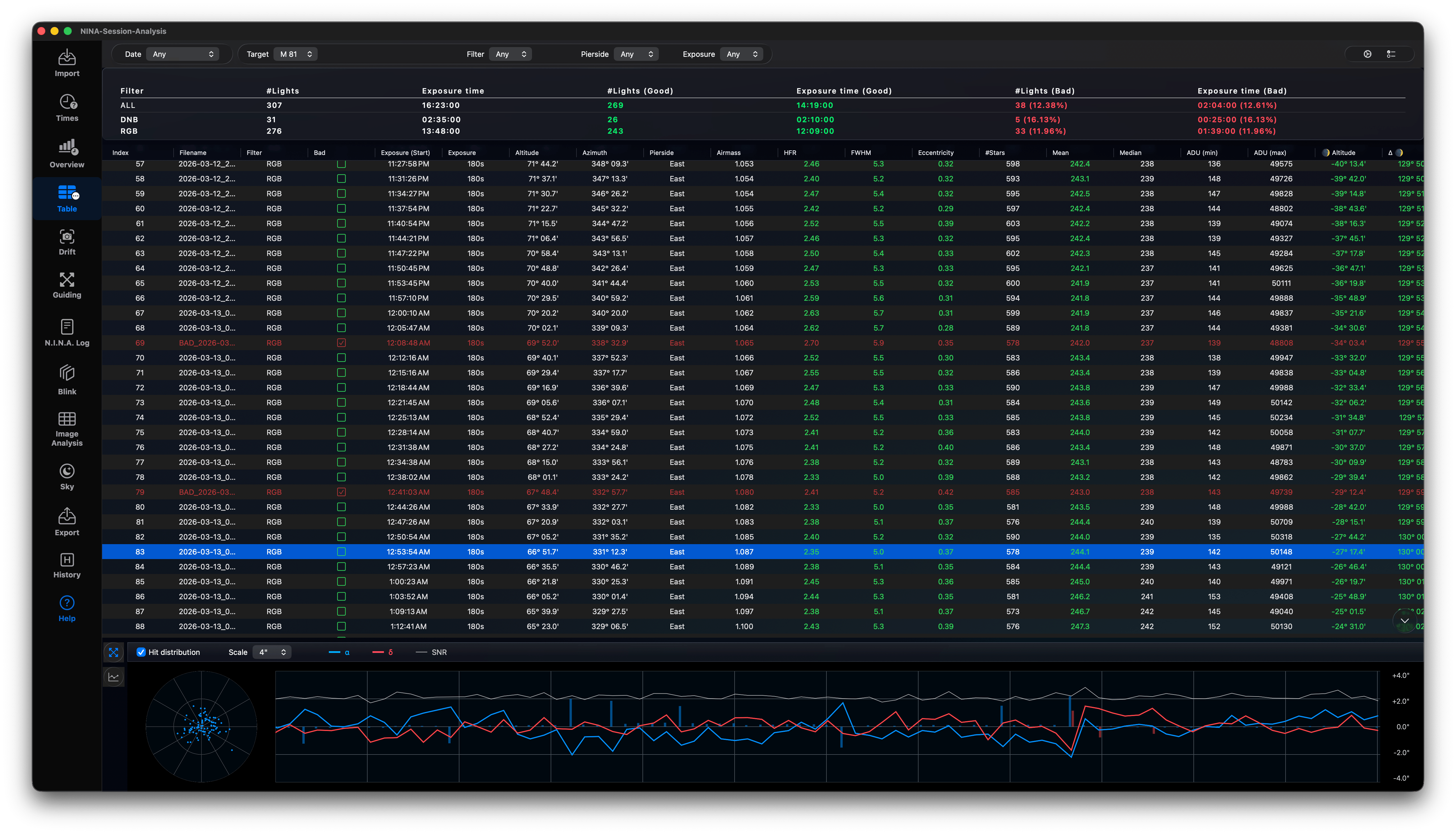
Scroll through your lights and have a look at the charts below. Good values are green, bad values are red. You can see at a glance the quality of the light compared to all other lights.
Context Menu Actions
Right-clicking any row opens options:
- Show in Viewer: Opens the frame in the custom
InternalViewerwindow. - Open: Opens FITS/XISF image with your OS default application.
- Show Telescope: Opens another window, which displays 3D pier side, equatorial mount coordinates, observer location, and Julian Date.
- Open in PixInsight: Launches the image directly in PixInsight (if available).
- Open in ASTAP: Opens the image in ASTAP for platesolving diagnostics (if available).
- Show in Finder: Reveals the file in Finder.